
Dishwasher Control Lock: What the Lock Light Means and How to Turn It Off
What a dishwasher’s lock light means, how to turn the control lock off brand by brand, and why it may not keep the door shut.

A lit lock light usually means the dishwasher control lock is on and the buttons are locked. If you need to know how to unlock a dishwasher, the usual fix is to press and hold the button your model marks for the lock, often for about 3 seconds. That button differs by brand and model, so check the panel and the owner’s manual. One point matters in homes with toddlers: Whirlpool, KitchenAid, Maytag and LG say their lock does not lock the door.
Quick Answer: How to Unlock a Dishwasher by Brand
The table shows what each maker says on its own help pages or in its manual. The button varies by model, so confirm it in your owner’s manual.
Dishwasher control lock by brand
| Brand | What the display shows | How to turn the lock off | Models the steps cover |
|---|---|---|---|
| Whirlpool, KitchenAid, Maytag | Control Lock light | Hold lock button about 3 seconds | Button varies by model number |
| Whirlpool portable dishwashers | Control Lock light | Hold 4-HR Delay 3+ seconds | Portable dishwashers |
| GE, older models | LOCK light stays on (GSD4000 to GSD5000) | Press LOCK pad twice within 3 seconds | Older models with LOCK pad |
| GE, newer models | Lock Controls light on | Hold designated pad or pads 3 seconds | Method depends on model |
| Samsung | Padlock icon or button lit | Hold designated button 3 seconds | DW80M9 series: Sanitize |
| LG | Lock icon or CL | Hold two marked buttons 3 seconds | Varies; LDS5040: Quick, Upper Only |
| Frigidaire, plastic tub | Indicator on lock graphic pad | Hold Delay Start 3 seconds | Plastic tub models |
| Frigidaire, stainless steel tub | loc in display | Press Delay Start until loc clears | Stainless steel tub models |
| Bosch | Child lock disables panel | Hold child lock button; usually clears it | No model range given |
What the Dishwasher Lock Light Means
Makers call this feature Control Lock, Child Lock or Lock Controls. It locks the buttons on the control panel to keep a cycle from being started or changed by accident. Whirlpool, KitchenAid and Maytag say it is used to avoid unintended use and unintended cycle or option changes during a cycle.
GE says its lock keeps a person from interrupting a cycle already in progress or starting one by accident. GE adds that children cannot accidentally start the dishwasher by pressing pads when the lock is on. Frigidaire says locking the controls keeps children from accidentally changing the settings or starting the dishwasher.
When the lock is on, a light or symbol usually shows it. The look depends on the brand:
- Whirlpool and KitchenAid: the Control Lock light is on, and a red padlock may be lit.
- GE: most newer models have a Lock Controls feature. Its light turns on when the control is locked and off when it is unlocked.
- Samsung: a padlock icon, or the button tied to the lock, lights up.
- LG: a lock icon lights up on the display, or CL appears.
- Frigidaire: an indicator lights on the lock graphic pad on plastic tub models. Stainless steel tub models show loc in the display.


A light that flashes when you press a button
A flashing lock light after a button press is a sign the lock is on. Whirlpool, KitchenAid and Maytag say the light flashes three times if any button is pressed while the controls are locked. Samsung’s manual for its DW80M9 series says the Control Lock indicator blinks for several seconds if any button except Power is pressed.
A light that goes dark
The light may not stay lit, and the makers’ own pages differ. The Using Control Lock pages from Whirlpool, KitchenAid and Maytag say a light indicator will usually remain lit while the lock is on. Their troubleshooting pages say the control lock light stays on for a short time. KitchenAid notes that some models have a sleep mode, and Samsung’s DW80M9 manual says its Control Lock indicator turns off while the dishwasher is operating.
Picture this: you press Start and nothing lights up. The dishwasher looks dead. Whirlpool’s and KitchenAid’s troubleshooting pages say a dishwasher that seems to have no power or no lights may have the Control Lock set. LG adds that its Child Lock stays on after a wash cycle ends or the dishwasher is turned off.
LG’s CL versus Frigidaire’s CL or Cd
The same letters mean different things by brand. On an LG, CL on the display with buttons that do not respond means the Child Lock is on. On a Frigidaire, error code CL or Cd means the door has not been closed and latched. Frigidaire says the code turns off once the door is closed, and its control lock shows as loc on stainless steel tub models.
How to Turn Off the Child Lock on a Dishwasher, Brand by Brand
Buttons differ by model, and none of these sequences is universal.
Whirlpool, KitchenAid and Maytag
These three makers give the same steps on their help pages. The lock button may be labeled Control Lock or shown as a padlock icon. You press and hold it for about three seconds to set the lock, and the same dedicated key turns the lock on or off. On panels with an Options key labeled Control Lock Hold 3 Seconds, holding that key for 3 seconds turns the lock off.
Whirlpool’s pages for its portable dishwashers say to press and hold 4-HR Delay, or the button(s) designated for your model, for at least 3 seconds. Hold until the Control Lock light turns off. You may first need to wake the panel from Sleep Mode by pressing Start/Resume or Cancel, or by opening and closing the door. Whirlpool says the button varies by model number and points owners to the Owner’s Manual for their model.
GE
GE says the way to turn its Control Lock on and off varies by model. On older GE models with a LOCK pad, press the LOCK pad twice within three seconds to lock or to unlock. GE’s page for its GSD4000 to GSD5000 series says the LOCK light stays on as long as the lock is enabled.
GE says most newer models have a Lock Controls feature. Depending on the model, it is usually turned on and off in one of these ways, each held for 3 seconds:
- the Dry Boost pad
- the Steam-Sani/Presoak-Sani/Sanitize pads at the same time
- the Cycle pad
- the Dry/Dry Boost and Steam pads together
The Lock Controls light turns off when the control is unlocked. GE says to check the Owner’s Manual for the dishwasher you own. It also says that if the dishwasher will not start and the controls are not locked, service may be necessary.
Samsung
Samsung says its Control Lock, also called Child Lock, locks all buttons except Power to keep children from playing with the dishwasher. A padlock icon shows when it is on. It is turned off by pressing and holding a designated button for 3 seconds, usually one tied to the Heated Dry or Sanitize function. On some Samsung models the button is labeled Child Lock or Control Lock.
Samsung’s user manual for its DW80M9 series is more specific. It says to hold the Sanitize button for three seconds while the power is on, both to lock and to unlock the buttons.
LG
LG says its Child Lock, which some LG pages call Control Lock, locks all the buttons except Power. The buttons that set it vary by model. You press and hold the two buttons noted on the control panel at the same time for three seconds, until the indicator turns off.
LG’s examples are Rinse and Spray, Half Load and Energy Saver, Dual Zone on its own, or Night Dry and Delay Start. Its manual for the LDS5040 uses Quick and Upper Only.
On models with a Child Lock button, LG says to make sure the dishwasher is turned on. Then press and hold Child Lock for 3 seconds until CL or the lock icon disappears. LG says this works even while a wash cycle is running.
Frigidaire and Bosch
Frigidaire ties its steps to the tub. On its plastic tub dishwashers, press Delay Start again for 3 seconds and the indicator light goes out. On its stainless steel tub models, press Delay Start until loc is no longer shown in the display.
Bosch’s U.S. troubleshooting page says Bosch dishwashers have a child lock that disables the control panel. Finding the child lock button and holding it down will usually clear it. Bosch says to check the owner’s manual for the exact steps.
Turning the Lock Back On, and When to Use It
The same press that clears the lock sets it again. After you press, check the light or display to see which way it went. That simple toggle makes the dishwasher control lock a toddler layer for the buttons.
Makers describe a few ways to use it. GE says it can be set before a cycle to keep the dishwasher from starting, or during a cycle to keep it from being interrupted. LG says to select the cycle first and then hold the two lock buttons.
Whirlpool calls the feature especially helpful for households with young children. Samsung’s DW80M9 manual recommends activating Control Lock if you have children.
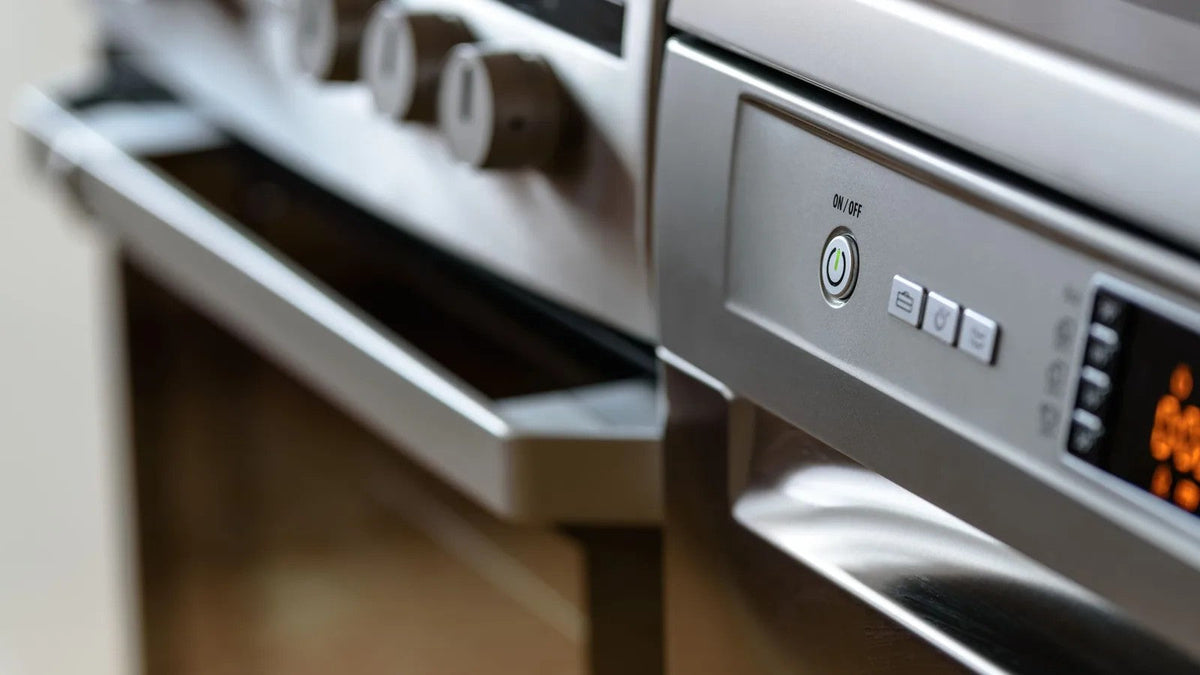
Picture this: you start a load and step into the next room. A toddler wanders over and starts pressing pads. With the lock on, the buttons it covers do not respond. If you are already baby-proofing the oven and stove, the dishwasher panel belongs on the same walk-through.
The Control Lock Covers the Buttons, Not the Door
Whirlpool, KitchenAid and Maytag say the door can still be opened and closed while the controls are locked. LG’s help page on control panel indicators says its Control Lock does not lock the door. LG’s owner’s manuals say the same of the Child Lock.
GE, Samsung and Frigidaire describe their locks as locking the buttons or controls. Bosch’s U.S. troubleshooting page lists the child lock under door problems, saying that if it is activated it can make the door and controls unresponsive.
Unless the owner’s manual says the lock holds the door shut, treat the door as unlocked. Reading the manual for what a lock covers is a habit that carries across the kitchen, whether you are locking the oven door or working on the dishwasher.
Some dishwashers also open the door themselves. Samsung’s manual says Auto Release Dry on its DW80M9 series opens the door 5–15 minutes before a cycle ends.
What a Toddler Can Reach When the Door Opens
Inside an open dishwasher, a toddler can reach more than buttons. The National Capital Poison Center (poison.org) says it is common for kids to get hold of automatic dishwasher detergent from the dishwasher itself. It says the open door, where the dispenser usually sits, is at a child’s eye level. It adds that exposure often results in irritation, and that severe effects, such as burns and tissue damage, can also occur.
The AAP says detergent packets or pods pose a special risk for young children, who may mistake them for candy or gummy treats.
The rest of the dishwasher has its own hazards. GE’s, LG’s and Samsung’s manuals tell owners to load sharp knives with the handles up to reduce the risk of injury. They also say not to sit or stand on the door or racks and not to let children play in or around the dishwasher. The wording varies by maker.
Samsung’s manual adds one more caution: open the door slowly during a cycle, because hot steam or water inside can cause injury. The dishwasher is one stop on a kitchen walk-through that may also include baby-proofing the refrigerator.
The AAP’s poison guidance is at HealthyChildren.org. If a child gets into dishwasher detergent, call Poison Help at 1-800-222-1222 (America’s Poison Centers), or call 911 if the child is unconscious, not breathing, or having convulsions or seizures (AAP).
Adding a Layer for the Door
Since the door may still open, habits and a door layer help with the rest. The AAP says to take extra steps before a child begins crawling or walking, or as soon as they start. Harmful items, dishwashing detergent among them, should be out of reach and out of sight. The AAP says they are ideally stored in a cabinet with a lock or safety latch.
Start with two habits. Keep the dishwasher door closed and latched. Add detergent only when you are ready to run a load, since the National Capital Poison Center says kids commonly get hold of detergent from the dishwasher itself.
Then look at storage. The AAP advises keeping dishwasher soap in a high cabinet, locked and out of sight. It also says to buy powder or liquid rather than pods if at all possible. The National Capital Poison Center adds keeping detergent away from food and out of children’s reach and sight, preferably in cabinets with child-resistant closures.
Latches help, but they have limits. The AAP says safety latches that lock automatically when a cabinet door closes can help keep children away from dangerous products. A latch can malfunction, though, or a child can defeat it. So the safest place to store poisonous products is somewhere a child cannot see or reach.
The CPSC says to look for cabinet and drawer latches and locks that adults can easily install and use. They should also be sturdy enough to withstand pulls and tugs from children. Other kitchen doors are separate jobs, from the oven to locks for French-door fridges.
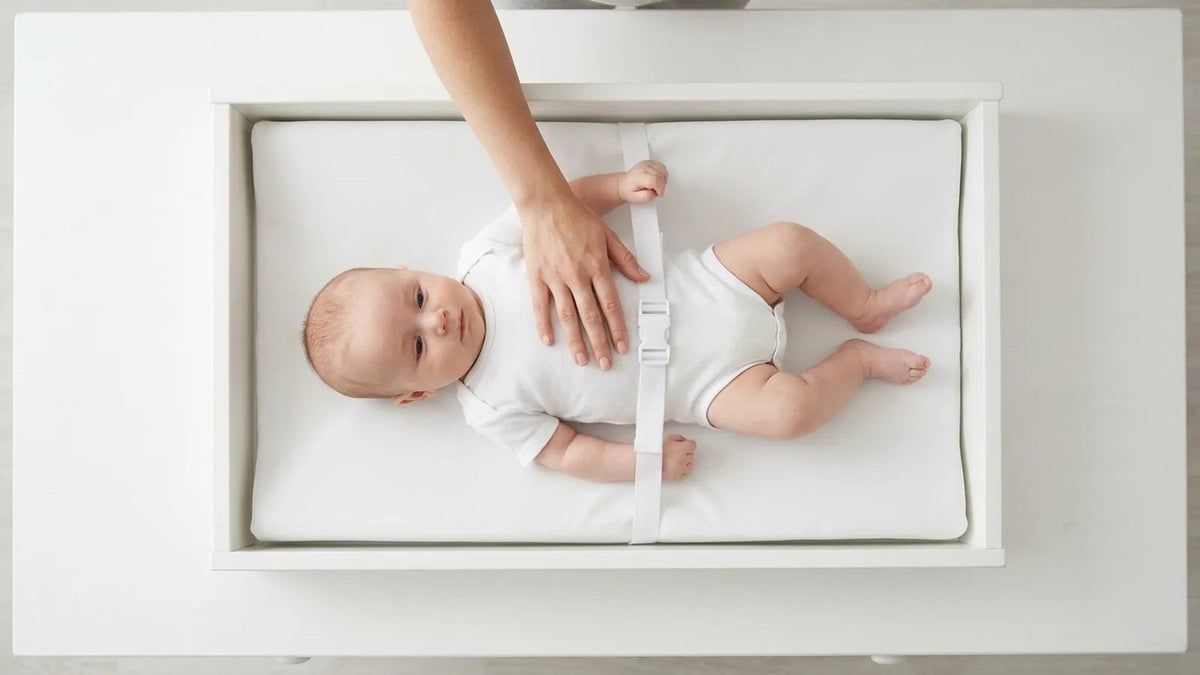
For the dishwasher door itself, Baby Proof Me’s Adjustable Safety Strap Lock is a latch you can add. Its product page lists dishwashers among its uses, along with cabinets and drawers, toilet seats, refrigerators, microwaves, closets, ovens and trash cans. It attaches with 3M adhesive, with no drilling or screws, so you peel and apply.
The product page says to allow 24 hours for the adhesive to fully bond for best results. It also says the strap is not a substitute for adult supervision, and to stop using it if it becomes faulty.

When the Lock Will Not Turn Off
Work through the makers’ own checks first.
- Wake the panel. On its portable models, Whirlpool says you may need to press Start/Resume or Cancel, or open and close the door, before Control Lock will turn off.
- Make sure the dishwasher is on. LG says to check that it is turned on. Samsung’s DW80M9 manual gives its hold with the power on.
- Close the door. Samsung’s support steps for several model families start there.
- Hold for the full time. If the steps say 3 seconds, count all three.
- Wipe an LG panel. If LG’s buttons still do not respond after Child Lock is off, LG says to check the control panel for moisture or debris and wipe it with a soft cloth.
If Samsung’s Control Lock cannot be turned off, Samsung suggests a reset: unplug the dishwasher or switch off its circuit breaker, wait about 1–5 minutes, then power it on again. That is Samsung’s advice for its own dishwashers, not a general fix. LG, for one, says its Child Lock stays on even if the dishwasher is turned off and on again after a cycle ends. LG says to turn Child Lock off before use.
Next, find the model number. A GE owner’s manual for its EDW3000 and GSD5400 to GSD5900 models says it is on a label on the tub wall just inside the door. Check that model’s owner’s manual for the exact button, then contact the maker’s support if the lock still holds.