
Washer and Dryer Control Lock: What It Does and How to Turn It Off
What a washer or dryer control lock does, how to turn it off brand by brand, and why the door lock is a separate lock.

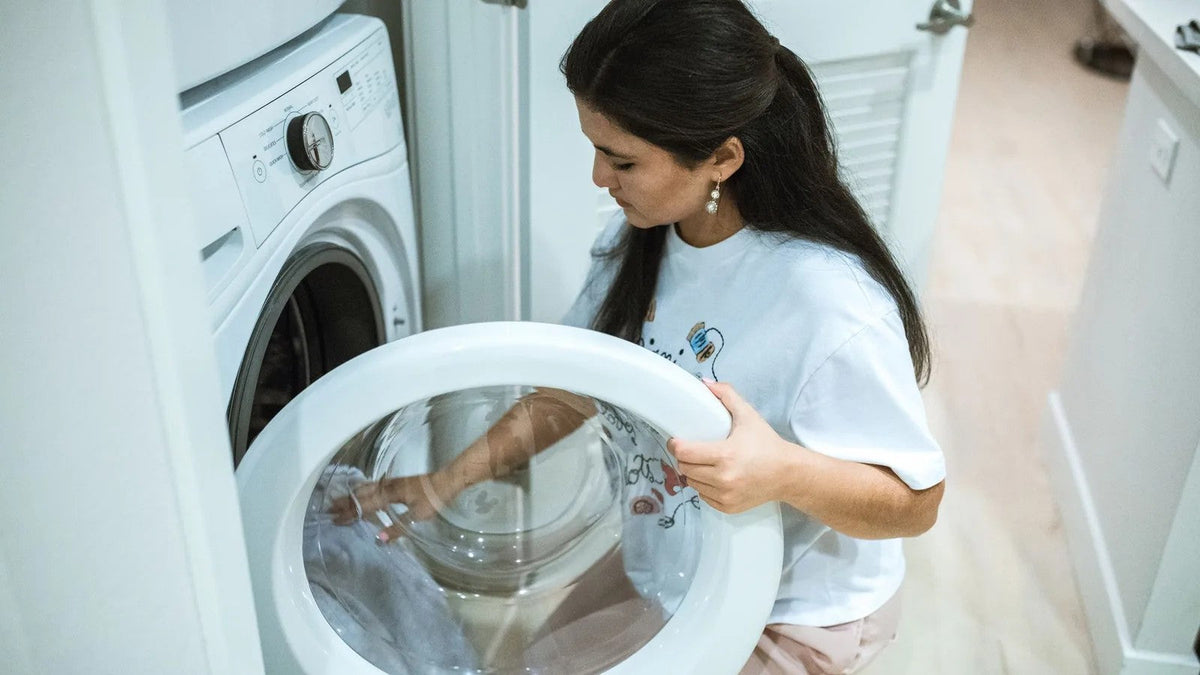
A control lock locks the buttons on the panel, so the washer or dryer will not start and its settings will not change. If you are working out how to unlock a washer, the usual fix is to press and hold the button, or pair of buttons, that the panel marks for the lock. Often that takes about 3 seconds. The button differs by brand and model. The door lock is a separate lock that works during a cycle, so on most brands a washer control lock and a door lock are two different things. On many Samsung models, Child Lock also locks the door.
Quick Answer: How to Unlock a Washer or Dryer by Brand
Buttons differ by model, so confirm yours in the owner’s manual.
| Brand | Display shows | How to turn it off | Models covered |
|---|---|---|---|
| Whirlpool and Maytag | LoC or LC | Hold Control Lock, 3 seconds | Front-load washers |
| Maytag | Lit control lock light | Hold Control Lock button, 3 seconds | Top-load washers |
| Whirlpool and Maytag | Loc | Hold Control Lock key, 3 seconds | Dryers |
| GE | Control Lock icon lit | Hold marked button pair, 3 seconds | Top-load, depending on model |
| GE | Control Lock icon lit | Hold Control Lock pad, 3 seconds | Front-load and Profile UltraFast Combo |
| Samsung | Child Lock icon; CL may flash | Hold same two buttons until off | Traditional washers and dryers |
| Samsung | A lock icon appears | Options, Child Lock, OK, Off | Bespoke (Samsung Canada) |
| LG | CL | Hold lock button, 3–5 seconds | Method varies by model |
What Does Control Lock Mean on a Washer?
A washer control lock means the control panel is locked. The machine ignores the buttons, so nobody can start it or change a setting. GE says its Control Lock on top-load washers, front-load washers and the GE Profile UltraFast Combo Washer/Dryer can stop any selections from being made. GE also says children cannot accidentally start the appliance when the lock is on.
Other makers use similar words. Whirlpool says the Control Lock locks out the electronic control so the dryer cannot be used or started, and that it is sometimes called a child lock. Samsung says its Child Lock disables the panel buttons, except a few such as Power, to keep children from accidentally starting or playing with the washer or dryer. LG says its child lock keeps children and others from changing cycle settings during a wash or dry cycle.
Picture this: you load the washer, press start, and nothing happens. No beep, no lights. Whirlpool says a washer that seems to have no power or no lights may have the Control Lock set. Look for the signs before you assume something is broken.
The sign depends on the brand:
- Whirlpool and Maytag front-load washers may show LoC or LC when you push a button. Whirlpool says you may also see a light or a padlock lit.
- Maytag top-load washers show a lit control lock light. Maytag says the controls will not respond to touch.
- Whirlpool and Maytag dryers show Loc, and the dryer will not start or operate.
- GE lights the Control Lock icon. The display will not respond to knob or button input, though the POWER button still works.
- Samsung glows its Child Lock icon, which looks like a smiling lock or a baby depending on the model. CL may flash when you try to use the machine.
- LG shows CL on the display, which means Child Lock is on.


How to Unlock a Washer, Brand by Brand
Buttons differ by model, even within one brand. The steps below are the ones each maker’s help pages give for the models they name.
Whirlpool and Maytag
On front-load washers, Whirlpool’s and Maytag’s help pages say to touch and hold the Control Lock button for 3 seconds. The display counts down 3, 2, 1. While the lock is on, you can still touch START to pause the cycle or POWER to turn the washer off.
On Maytag top-load washers, Maytag says to hold the button labeled for Control Lock for 3 seconds. For its other washers, Whirlpool says to check the Owner’s Manual for your model washer to learn how to turn the Control Lock off.
GE
On GE top-load washers, depending on the model, press and hold the Warm Rinse and Auto Soak buttons, or the Rinse and Spin buttons, for 3 seconds. The same press locks and unlocks the controls.
On GE front-load washers and the GE Profile UltraFast Combo Washer/Dryer, press and hold the Control Lock or Light-Control Lock pad for 3 seconds. Some older GE front-load washers have a plain Lock button, held for 3 seconds. On the combo model, the Extra Rinse pad doubles as the Control Lock pad. GE says a sound marks the lock or unlock, and that the button’s location varies by model.
Samsung
On Samsung’s traditional washers and dryers, Child Lock uses a two-button combination. The panel labels it, either with the words Child Lock and lines pointing to the buttons, or with a Child Lock icon. The user manual gives the exact pair.
Samsung Canada’s guide notes that settings and layout vary by model and country. It gives examples such as Temp. and Spin, or Temp. and Rinse. To turn the lock off, press and hold the same two buttons until the icon disappears.
On models with a Temporary off setting, Samsung says to press and hold both buttons once so the icon flashes. Then press and hold them again so the icon turns off.
On Bespoke models, Samsung Canada says Child Lock is a setting in the Options menu. Tap Options, turn the Navigation dial to Child Lock, and tap OK. Then tap OK again to choose On or Off. Samsung also says FlexWash and FlexDry models have a separate Child Lock setting for each panel.
LG
LG says CL stands for Child Lock, and that all buttons except Power stop working while it is on. It is not turned off automatically when a cycle ends. It stays on even when the machine is powered off.
To turn it off, LG says to make sure the machine is powered on. Then press and hold the Child Lock button, or the two buttons marked with a lock symbol, for 3–5 seconds. LG’s front-load washer page lists model examples:
- On models with a lock symbol, hold Temp and Rinse for 3 seconds.
- On models with a button marked Child Lock, hold Spin for 3 seconds.
- On models with Steam, hold Steam for 3 seconds.
- On the WashTower, hold Spin on the washer’s control panel for 3 seconds.
LG says the method varies by model and to refer to the user manual.
How to Unlock a Dryer
On Whirlpool and Maytag dryers, both brands’ help pages say to press and hold the Control Lock key for 3 seconds. The dryer counts down 3, 2, 1. Whirlpool’s page also says the Control Lock is sometimes called a child lock, so a dryer child lock and a Control Lock are the same feature there.
The Control Lock may be a stand-alone key, or it may share a button with another option such as Extra Rinse or Steam. Press and hold that button, not the text printed below it.
Whirlpool’s dryer troubleshooting page adds one more check. If the Controls Locked status light is on, holding the Cycle Signal button for three seconds turns the feature off on most models. Check the Owner’s Manual for your model’s controls.
For other brands, the same rule applies: the panel and the manual decide. Samsung’s two-button Child Lock covers its traditional washers and dryers, using the pair the panel marks. LG gives the Child Lock button, or the two lock-symbol buttons held for 3–5 seconds, and says the method varies by model. GE’s pages cover its washers and the GE Profile UltraFast Combo Washer/Dryer. For a stand-alone GE dryer, use the owner’s manual.
How to Child Lock a Washing Machine
On these makers’ pages, turning the lock on uses the same press that turns it off. What differs is when the maker lets you do it.
- GE says the Control Lock can be set when the washer is not in use or during a wash cycle.
- LG says Child Lock can only be turned on with a wash or dryer cycle in progress. Start a cycle first.
- Samsung says to press and hold both Child Lock buttons until a chime sounds. You can turn it off temporarily to add laundry, then turn it back on.
For Whirlpool and Maytag, the owner’s manual for your model is the place to confirm when the lock can be set.
The AAP advises using child locks on front-loading washers and dryers. The goal is to keep small children from opening the doors while the machines are in use, and from ever crawling in. A washer child lock still only locks what your model’s maker says it locks, so read the next section before you count on it for the door.
If you are working through a room-by-room walkthrough of the house, give the laundry room its own stop. It holds machines, chemicals and a door, and each one needs a plan.
The Door Lock Is a Different Lock
The control lock locks the buttons. The door or lid lock works during a cycle. On most of these brands they are separate locks; Samsung, below, is the exception.
GE front-load washers. GE says the door locks automatically once the washer starts. Pressing START/PAUSE once pauses the washer and unlocks the door after a few seconds. Some cycles drain first. GE says the door should never be forced while the LOCKED light is on, because that could damage the washer.
Whirlpool front-load washers. Whirlpool says that if the Add a Garment light is off, the door unlocks after Pause/Cancel is pressed twice. It may take up to five minutes for the washer to stop spinning and draining, and you will hear the door click when it unlocks.
Two Whirlpool options change that. During a Fresh Hold cycle, available on some models, the door stays locked until Cancel is pressed. With the TumbleFresh option on, the load tumbles for up to 6 hours with the door locked until you touch POWER. Water left after a cycle can be removed with DRAIN & SPIN, and the door unlocks after that.
Top-load lids. GE says top-load washers made starting in 2015 have a lid lock. It engages during load sensing and the water fill on some models, and when the washer is spinning above 50 RPM. You cannot set it to lock the lid for the whole cycle. Pausing unlocks the lid once the basket has coasted to a stop, which can take as long as 3 minutes.
Maytag says its newer top-load lid lock is on whenever the tub moves, and on some models a light shows when the lid is locked. Samsung says that on some top-load washers, Child Lock does not lock the lid. It adds that if the lid is opened with an unsafe amount of water inside while Child Lock is on, the washer drains to a safe level.
Samsung’s door lock. Samsung says that on many models Child Lock also locks the door. On front-load washers it locks the door, and the door stays locked even if the washer is restarted.
On many models, a Temporary off setting unlocks the door, then re-engages Child Lock after one minute. An alarm sounds for two minutes if the door is still open. Child Lock turns off if the door is not closed in time.
GE, Whirlpool, Maytag and LG describe their locks as locking the controls or buttons. GE describes its door lock as working while the washer is in use. So unless your owner’s manual says the lock holds the door shut when the machine is idle, treat the door as one a child can open.
What the Control Lock Does Not Cover
A control lock covers the buttons. Most of baby-proofing the laundry room happens away from the control panel.
Picture this: you set a detergent packet on top of the washer to grab the next load, and the phone rings. That small pause is when a packet ends up within reach. The AAP says single-load laundry detergent packets are very concentrated, can look like candy or gummy treats, and can burst when bitten. A small amount in a child’s mouth or eyes can cause serious harm. If children 6 years or younger live in or visit your home, the AAP suggests traditional detergent instead of packets.
The AAP also gives storage rules:
- Keep a packet in its original container until you are ready to put it in the washer.
- Never leave packets on top of the washer or dryer, or in drawers under the machines.
- Store laundry products in a high, locked cabinet.
The AAP warns that leaning on the washer or dryer, or letting children play or hang on the doors, can make the machines tip over onto a child. It advises a family rule that the washer and dryer are not toys. It also advises closing and locking the laundry room door when you leave.
The CPSC has received reports of suffocation deaths of children who crawled inside clothes dryers and combination washer/dryer units, among other appliances. The doors could not easily be pushed open from inside. The CPSC advises locking the door to your utility room and warning children not to play inside these appliances.
For poison guidance, the AAP’s pages at HealthyChildren.org are the place to start. If your child gets the contents of a laundry detergent packet in their mouth or eye, call Poison Help at 1-800-222-1222 (America’s Poison Centers). Call 911 if the child is unconscious, not breathing, or having convulsions or seizures (AAP).
Locking the Detergent Cabinet
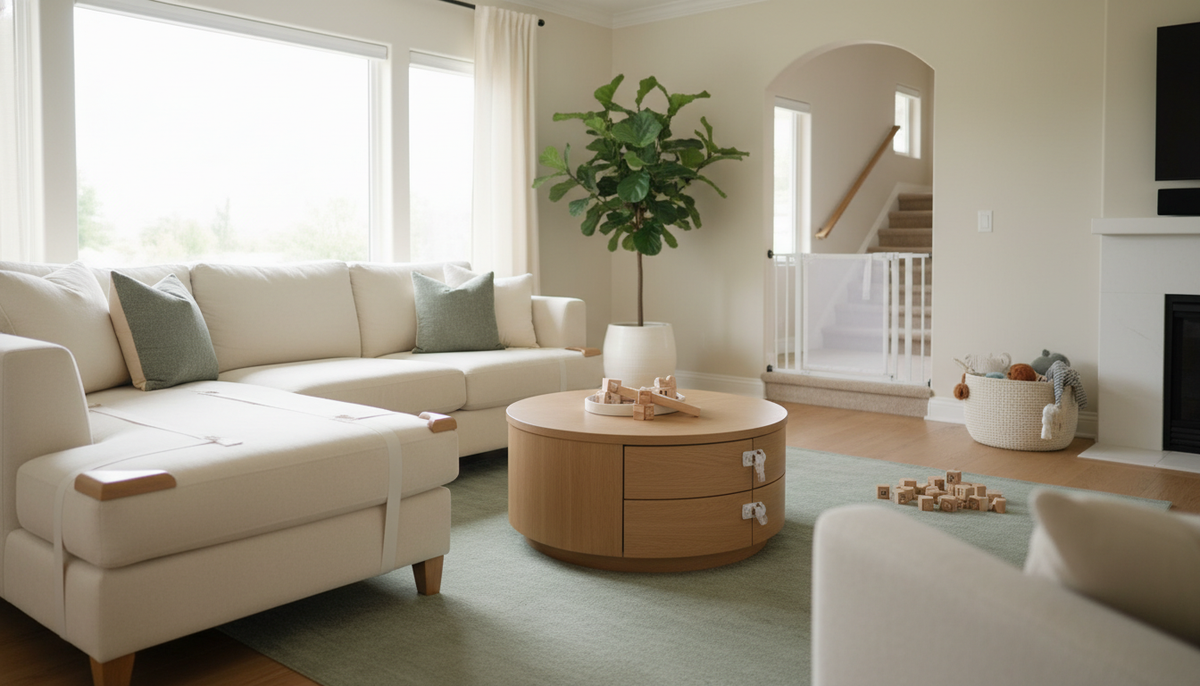
A cabinet lock adds a layer the control lock cannot. If your washer and dryer are in the basement, the detergent cabinet may sit near the basement stairs and storage.
The CPSC says safety latches and locks on cabinets and drawers can help keep children away from laundry detergent and household cleaners. It says to look for ones that adults can easily install and use, but that are sturdy enough to withstand pulls and tugs from children.
In a garage laundry area, cleaners can end up beside garage chemical and tool storage. Check every shelf and drawer a child could reach.
The Magnetic Safety Lock Kit is one cabinet option. Its product page describes hidden magnetic locks for cabinets and pull-out drawers, mounted with 3M adhesive or screws. The page says to allow 24 hours for the adhesive to fully bond for best results. An adult opens the lock with the magnetic key.
The keys are magnets, so store them where your child cannot reach them. If you suspect a magnet has been swallowed, the CPSC says to seek immediate medical attention. Call 911 or Poison Help at 1-800-222-1222 (America’s Poison Centers).
The Magnetic Safety Lock Kit page also says the product is not a substitute for adult supervision.

When the Lock Will Not Turn Off
Start with the makers’ own checks:
- Hold for the full time. Whirlpool and Maytag show a countdown on the display. Keep holding until it finishes.
- Press the button, not its label. On Whirlpool and Maytag machines, the Control Lock may share a button with another option. Press the button itself, not the text printed below it.
- Make sure the machine is on. LG says to power the machine on before you hold the lock buttons.
- Hold twice on Temporary off models. On Samsung models with a Temporary off setting, hold the two buttons a second time.
Restarting does not clear the lock on Samsung or LG machines. Samsung says restarting the washer or dryer will not disable Child Lock. LG says its lock stays on even when the machine is powered off.
If the buttons still do not respond, LG says this could signal a malfunction and to contact customer support. For any brand, find your model number and look up that model’s owner’s manual. Whirlpool and Maytag list manuals by model number. Then contact the maker’s support.
A door that stays locked at the end of a cycle is a separate problem. The resets below are for a door or lid, not for the control lock.
Whirlpool’s door page, in its Fresh Hold cycle note, says that if the washer does not unlock at the end of a wash cycle, unplug it or disconnect power. Then wait about 2 minutes for the control to reset. For a top-load washer, GE says to pause it, wait for the basket to stop, then unplug it for a minute. GE says to schedule service if the lid still will not unlock.